Adding your friends
To add your friends, go to their profile.
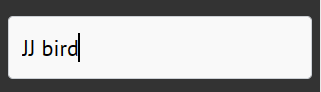
One way of going to someones profile is by searching for it. Click tht search box on the left, then search for their name. When you see their name, click it. Another way is by clicking their name on a post or wherever else their name appears.
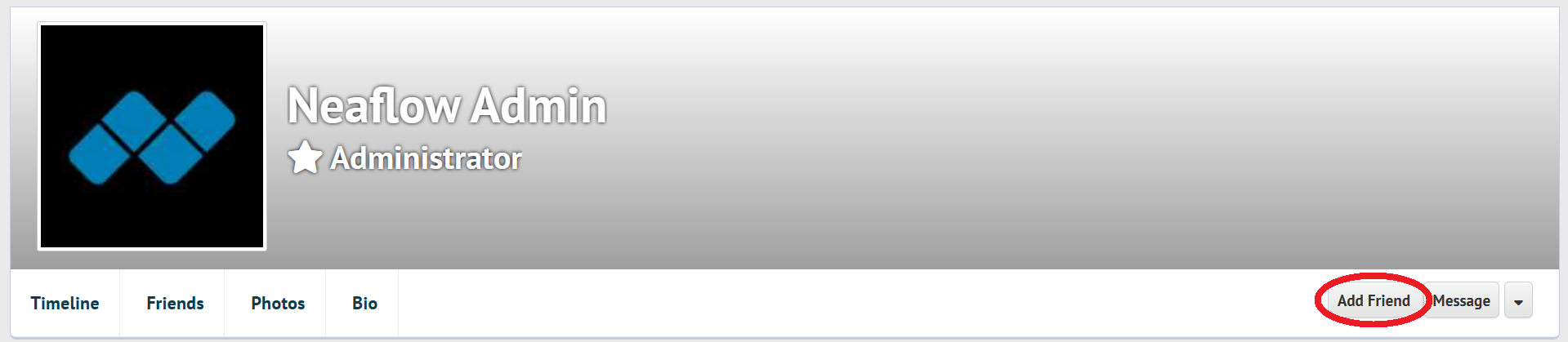
Now click "Add Friend". This will send them a friend request. Once they accept your request, they will be your Neaflow friend.
If i recieve a friend request
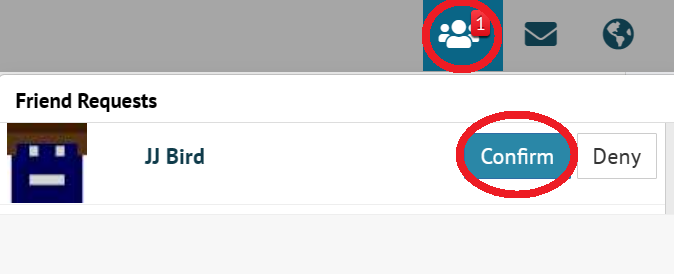
If you are to recieve a friend request, you can accept it with the "Confirm" button, meaning you are now friends with that person, or by clicking "Deny" to decline the friend request.
Removing a friend
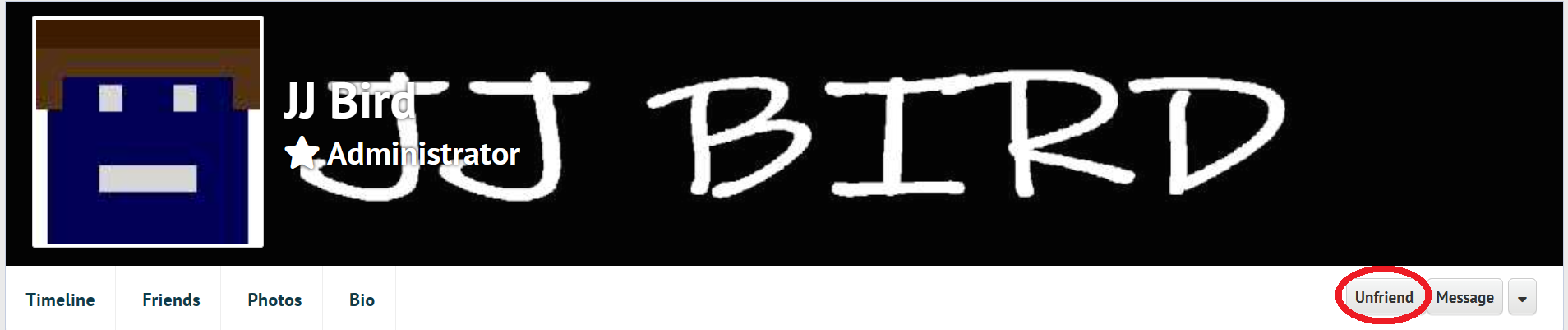
Click on "Unfriend" on an existing friend's profile to remove that friend.